Right Arrow Icon
How we make your video/Reference/Glossary
Reference · Glossary

Video production glossary

The short answer

Plain-English definitions of the terms you will hear on a video project, each linked to the guide that explains it in more detail.

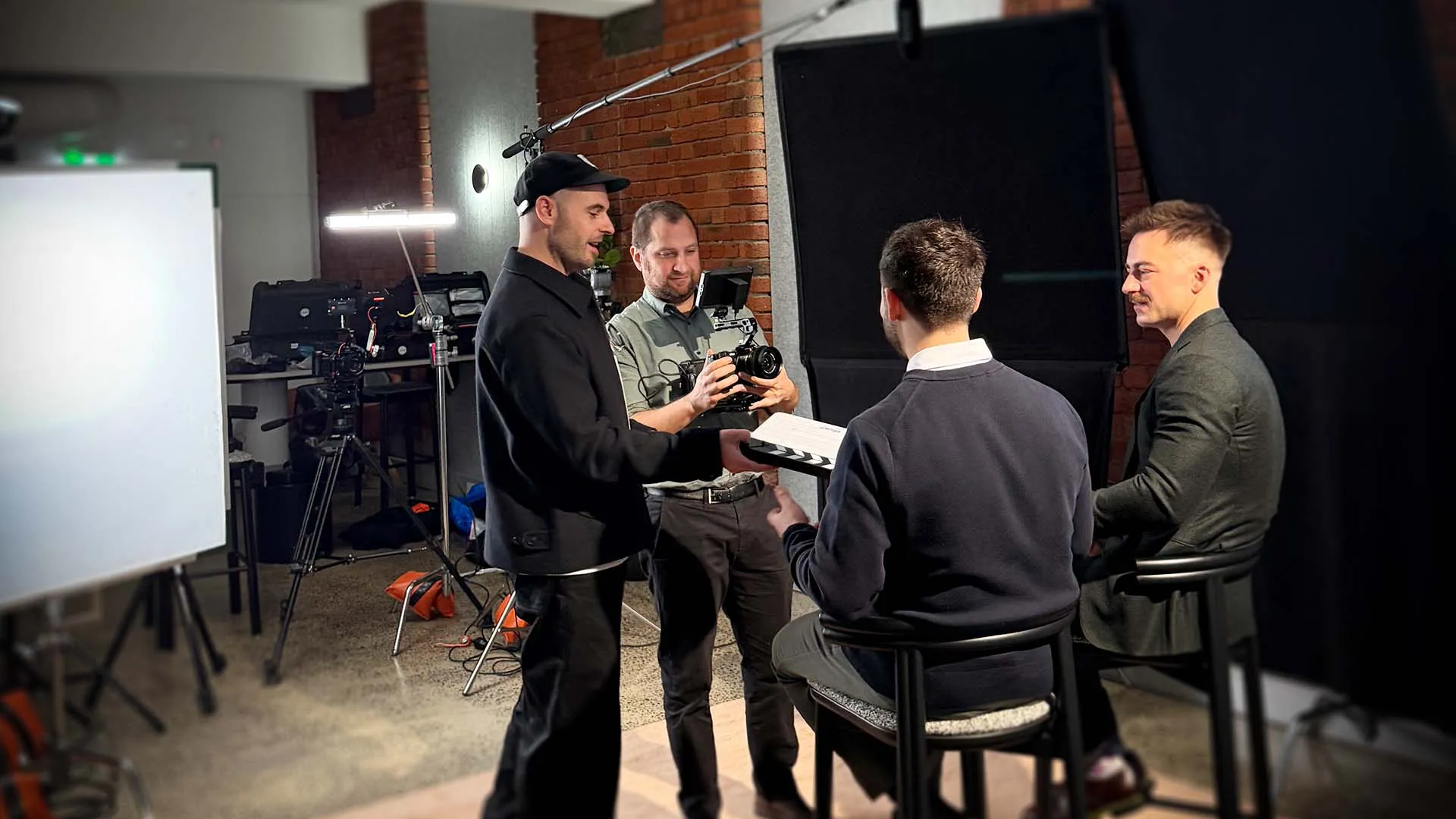
WVFRM crew on an on-site production
Start: 1 · Video brief →All guides
Reference: glossary of terms used across all 13 guides

Planning terms

Brief

A short document setting out what the video must achieve, for whom and by when.

Video brief

Call sheet

The schedule sent before a shoot, with times, people, rooms and contacts.

Shoot day

Key messages

The few points a viewer must take away.

Scripting and key messages

Pre-production

Everything before the shoot: planning, scripting, locations and scheduling.

How we make your video

Release form

Written permission from a person to be filmed and have the footage used.

Usage rights

Shot list

A checklist of the footage needed for a shoot.

Storyboarding

Storyboard

A shot-by-shot picture plan of a film.

Storyboarding

Talent

Anyone who appears on camera, whether staff, customers or paid actors.

Usage rights

Where and for how long you can use a video and its music.

Usage rights

Filming terms

A-roll

The main footage that carries the story, usually the interviews.

Autocue

A screen in front of the camera lens that shows a script, so a speaker can read while looking at the viewer.

Interview preparation

B-roll

Supporting footage that shows the place, people and work while someone speaks.

Shoot day

Lapel microphone

A small clip-on microphone worn by a speaker.

Sound recording

Raw footage

The unedited material from the shoot.

Usage rights

Vertical video

Video framed tall (9:16) for phones and social feeds.

Editing and delivery terms

Captions

The spoken words shown on screen. Open captions are always visible; closed captions can be switched on or off.

Captions and accessibility

Colour correction

Balancing each shot so it looks true to life.

Colour grading

Colour grading

Setting the final look of the whole video.

Colour grading

Cutdown

A shorter version of the main video, often for social media.

First cut

The first full edit you review.

Lower third

The name and role caption shown when someone speaks.

Motion graphics

Motion graphics

Moving text, logos and graphics added in the edit.

Motion graphics

Picture lock

The point when the edit is approved and no more changes are made to the cut.

Post-production

Everything after the shoot: editing, grading, sound, graphics and captions.

Review round

One round of combined feedback on an edit. Two are standard in our proposals.

Voiceover

Narration recorded separately and played over the pictures.

Scripting and key messages

Still have a question about a term or step?

Ask us when you send your brief.

Prefer to talk it through? Book a 30-minute call or phone us on (03) 9997 7085.

01

PRE PROPOSAL FORM

1
Needs
2
Business
3
Goals
4
Upload
5
Name
6
Email
7
Phone
02

PRE PROPOSAL FORM

1
Needs
2
Business
3
Goals
4
Upload
5
Name
6
Email
7
Phone
03

PRE PROPOSAL FORM

1
Needs
2
Business
3
Goals
4
Upload
5
Name
6
Email
7
Phone
04

PRE PROPOSAL FORM

1
Needs
2
Business
3
Goals
4
Upload
5
Name
6
Email
7
Phone
05

PRE PROPOSAL FORM

1
Needs
2
Business
3
Goals
4
Upload
5
Name
6
Email
7
Phone
06

PRE PROPOSAL FORM

1
Needs
2
Business
3
Goals
4
Upload
5
Name
6
Email
7
Phone
07

PRE PROPOSAL FORM

1
Needs
2
Business
3
Goals
4
Upload
5
Name
6
Email
7
Phone
Back
Next
Thank you!
Your submission has been received!
Oops! Something went wrong while submitting the form.
Close Streamline Icon: https://streamlinehq.com